TV Clasica Downloader Code: How to Verify the Link and Avoid Fake Codes
A Downloader code can expire, change its destination or lead to a page unrelated to TV Clasica. This guide helps you check the source, APK and installation without treating a community code as an official release.
Quick answer: there is no universal code to copy blindly
Searches for TV Clasica Downloader code mix short codes, full URLs, social posts and download pages. Downloader only opens the destination it receives; it does not confirm that the site, file or application is legitimate. The useful skill is not memorizing six numbers. It is checking where the code goes and what APK appears next.
As of August 19, 2026, the external listings checked show TV CLASICA version 100, but they do not agree on size: one lists 8.5 MB and another lists 18.6 MB. We did not find a verifiable first-party release that lets us call either value the official latest version. Use this page to compare signals and stop when the destination cannot be traced.
If you need the complete installation process, return to the general Downloader guide. This page has a narrower job: decide whether a code or URL is worth opening, what to check on the installation screen and how to leave without installing an unfamiliar file.
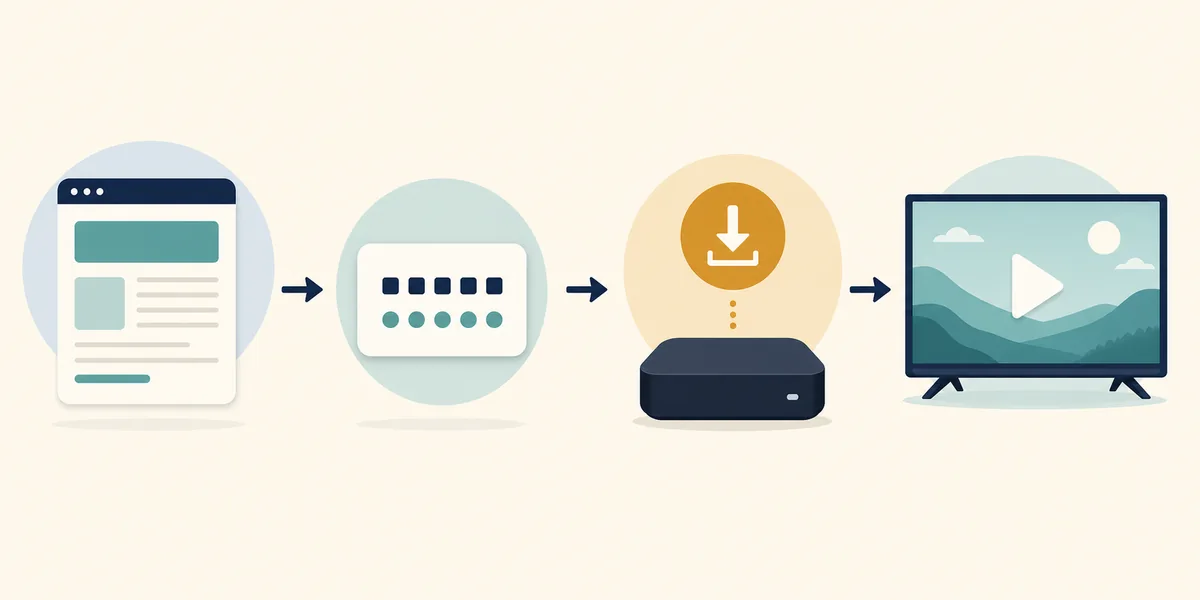
Check the destination first
A visible full URL is usually easier to review than a code forwarded without context.
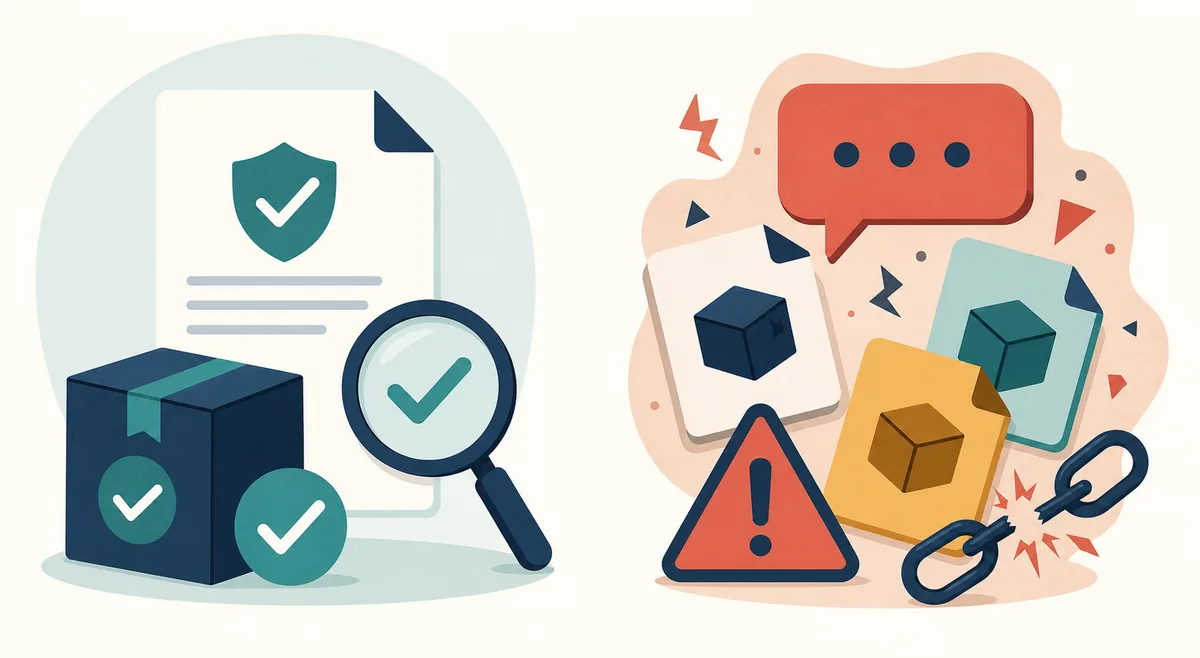
Then check the file
Review the name, extension, version, size, package and permissions before accepting Android prompts.
Cancel when it does not match
Do not force an install because a message promises a MOD, premium or ad-free version.
Checked reference facts
The external listings are not a first-party release and are not a stable direct-file link. Recheck version 100 and the file size before every installation.
Three visual cues for keeping the context
These are AI-generated editorial illustrations for explaining the process; they are not real TV Clasica, Downloader or official-source screenshots.
How to check a Downloader code step by step
Follow the complete order even when someone you trust sent the code. This separates opening a page from deciding to install an APK.
1. Define what you are trying to open
Decide whether you need the main page, an installation guide or a specific APK. A code that opens a shortener, survey or different app does not satisfy the same intent.
2. Look for a traceable full URL
When the main page shows a visible URL, compare it with the code. If you only have a number copied from a comment, treat it as an unverified lead, not an official address.
3. Watch the destination in Downloader
Before downloading, check the domain, protocol, page name and unexpected redirects. Cancel if the screen changes to aggressive ads, giveaways or an unfamiliar domain.
4. Compare the APK details
Confirm that the file ends in .apk, the name matches TV CLASICA and the version, size, package and requirements make sense. The difference between 8.5 MB and 18.6 MB should not be hidden as one confirmed fact.
5. Install only when you can undo it
Keep enough storage, preserve the existing app when Android allows an update and do not disable security globally. If you see a signature conflict or unexpected permissions, cancel instead of forcing it.
6. Run a short test and clean up
Open the app, check the controls and play a short item. If anything does not match, remove the unverified copy and delete the leftover APK; do not chain random codes.
Decision table before accepting the APK
Use these checks as a minimum barrier. None of them alone turns an external file into an official release.
| Signal | What to compare | Prudent action |
|---|---|---|
| Domain | Source, protocol and redirects | Stop if it changes to an unrelated domain. |
| Extension | .apk and file name | Do not open ZIP, EXE, DMG or profiles presented as APKs. |
| Version | VersionName and VersionCode | Do not call an unreconciled copy an update. |
| Size | Listing and downloaded file | 8.5 and 18.6 MB are different references; do not merge them. |
| Permissions | Access requested by Android | Cancel if the request is not reasonable for the described function. |
| Signature | Update over the existing app | With a signature conflict, do not force it or delete the known app blindly. |
Common problems when searching for the TV Clasica code
The code opens nothing
It may have expired, been typed incorrectly or depended on a deleted page. Return to a full, verifiable URL instead of trying code lists without context.
The code opens a shortener with many pop-ups
Close the page and do not allow notifications or install extensions. A shortener does not prove that the APK belongs to TV Clasica.
A file with a different name appears
Do not install it. Compare the app name, package, size and source; a MOD or premium variant needs evidence that is not present here.
Android shows a signature conflict
Stop the update. The file may come from a different source or be modified. Keep the known installation until the origin is clear.
The code works but playback does not
Separate installation from content availability: test another app, network and section. A valid code does not guarantee that every stream is active.
You are asked to install another app
Do not accept by default. Check whether it is Downloader or an unrelated app, and reject permissions and files outside the expected flow.
A code, URL and community post are not the same thing
The query may come from a video, group or third-party page. Use the source context to decide how much to trust; do not attribute a community post to TV Clasica.
Short code
It is a shortcut that can change destination. It should lead to a page you can read and compare before downloading.
Full URL
It lets you review the domain, path and redirects. A URL still does not prove the APK is safe by itself.
Community code
It can be a useful lead, but it should not be presented as official without a first-party post that supports it.
Downloader code FAQ
Sources and limits of the check
- Google Play Protect explains how Android checks potentially harmful apps.
- Downloader by AFTVnews helps identify the Downloader tool; it does not publish a TV Clasica code.
- External TV CLASICA listing is used as a listing reference, not proof of a first-party release or a direct file.
- Second external TV CLASICA listing is used only to compare the different 18.6 MB listing and does not confirm an official release.
Need to install, not search for a code?
Use the general Downloader guide for the complete flow. Return here if you find a code, URL or APK whose origin is unclear.
Open the general Downloader guideImportant notice
tvclasica.blog provides this guide for information only. We are not the official developer of TV Clasica APK or Downloader. We do not present community codes as official, guarantee stream availability or publish a direct file without a verifiable source. Follow applicable laws and each service's terms.